
Text notes & checklists
Create text notes or checklists in seconds, with undo and redo, search & replace, and Markdown preview.
Android · Free · No ads
Take fast, secure notes and keep your private information protected by AES-256 encryption. Write text notes or checklists, add images, set reminders, and stay organized, fully offline.

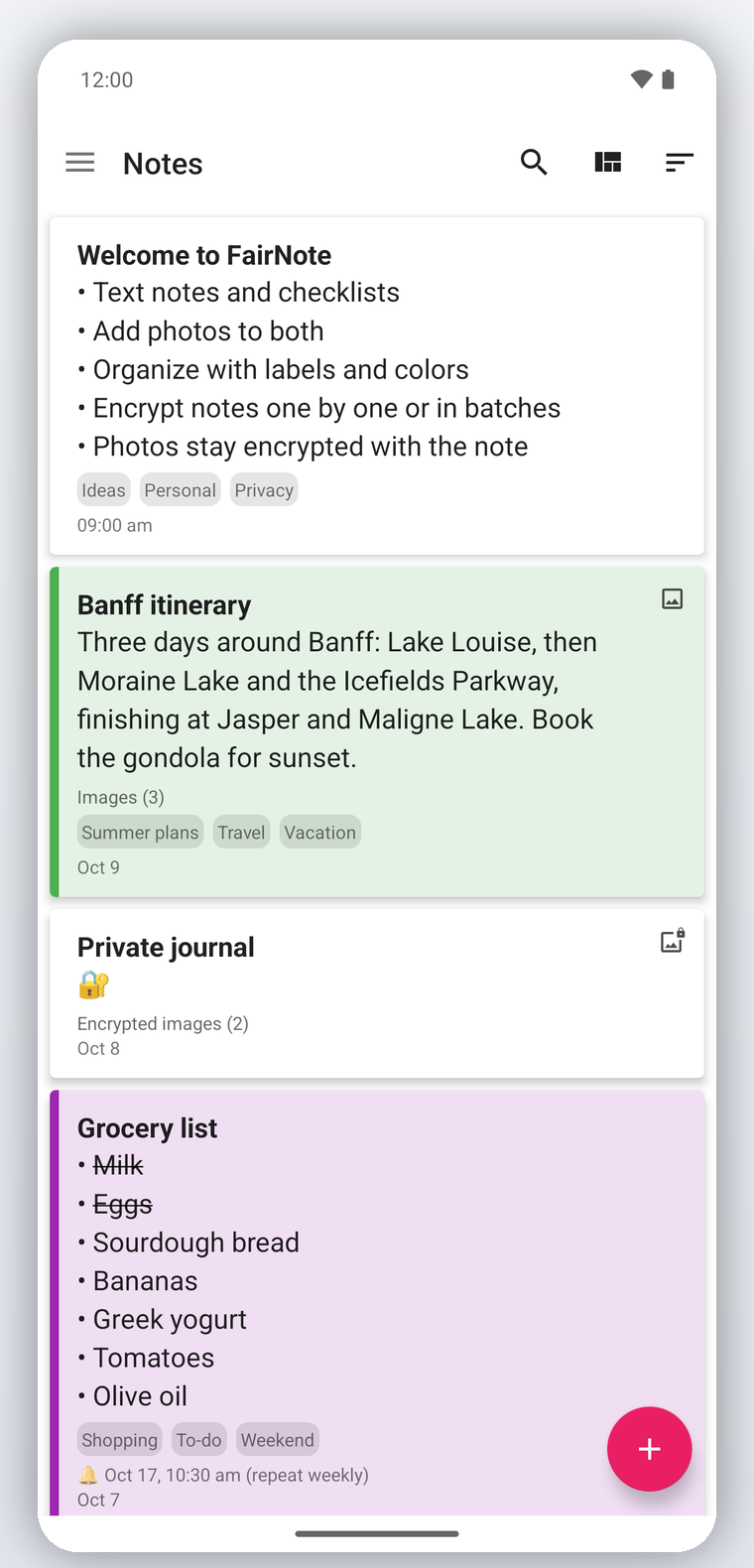
Quick capture, flexible organizing, and the security to write freely, all in one fast, lightweight app.
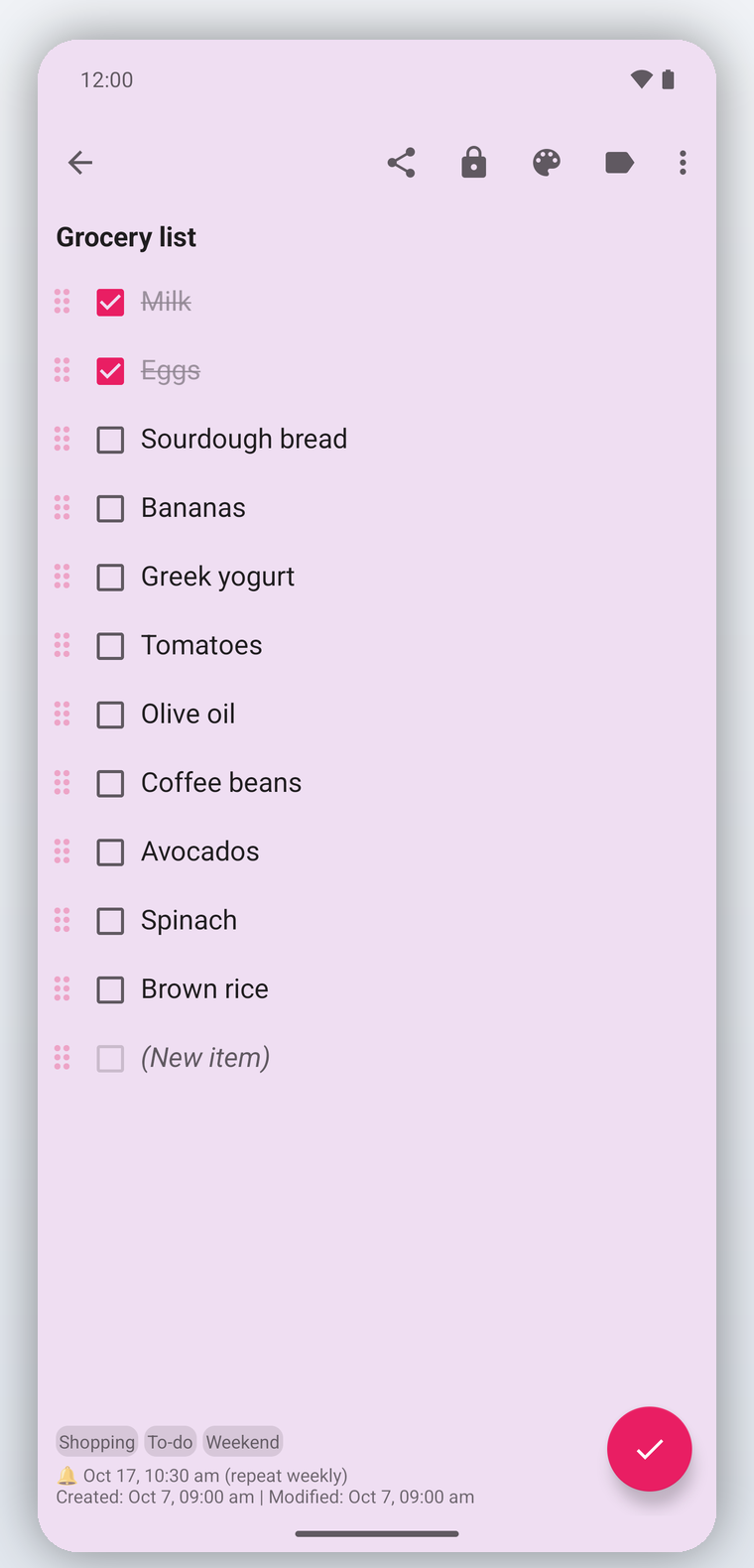
Create text notes or checklists in seconds, with undo and redo, search & replace, and Markdown preview.
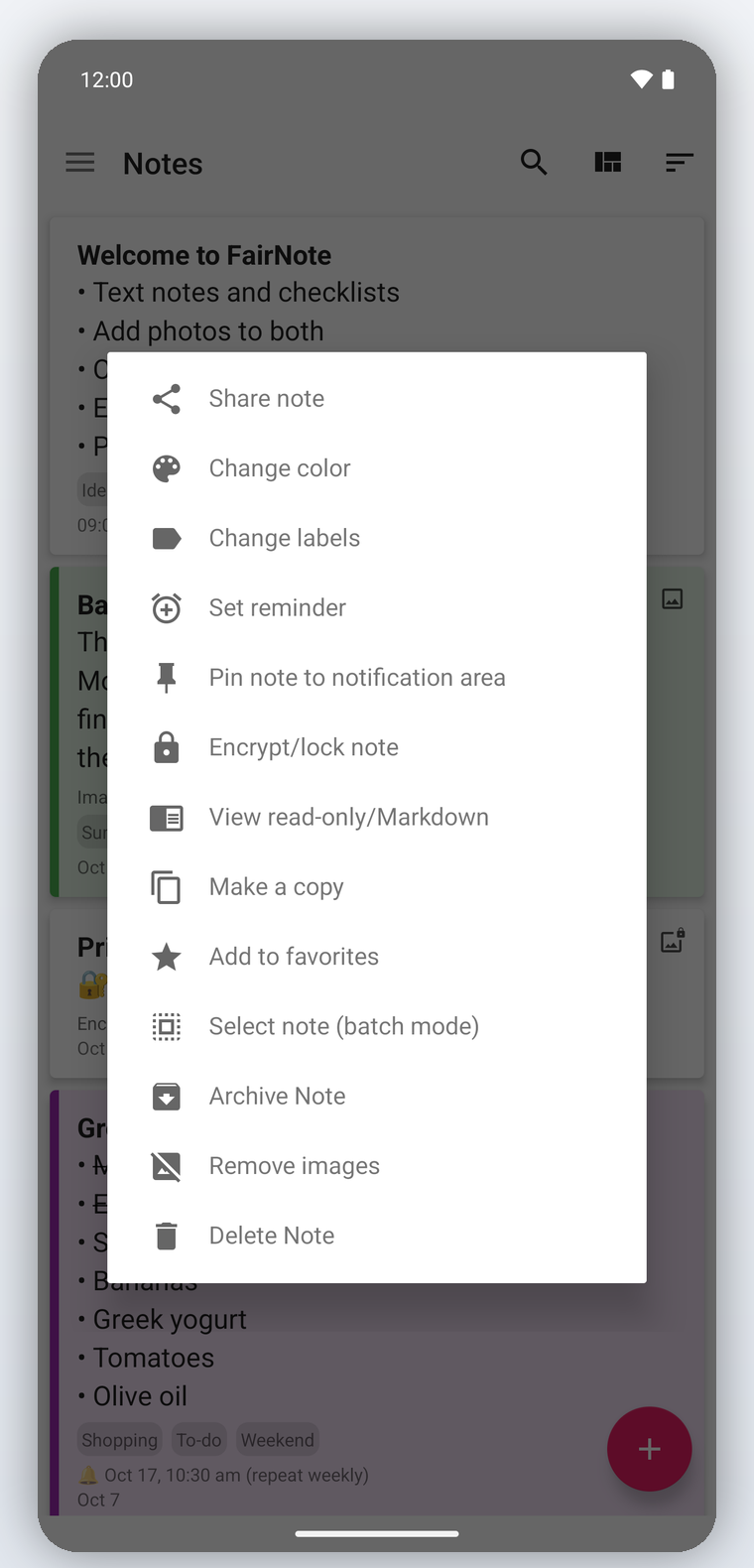
Color-code notes, add labels, pin what matters, and filter your list so everything is easy to find.
Add images to any note. In encrypted notes, images are encrypted right alongside your text.
Set one-time or recurring reminders, even for pinned notes, so nothing ever slips.
Add sticky-note and note-list widgets to your home screen, and share text to FairNote to create notes from other apps.
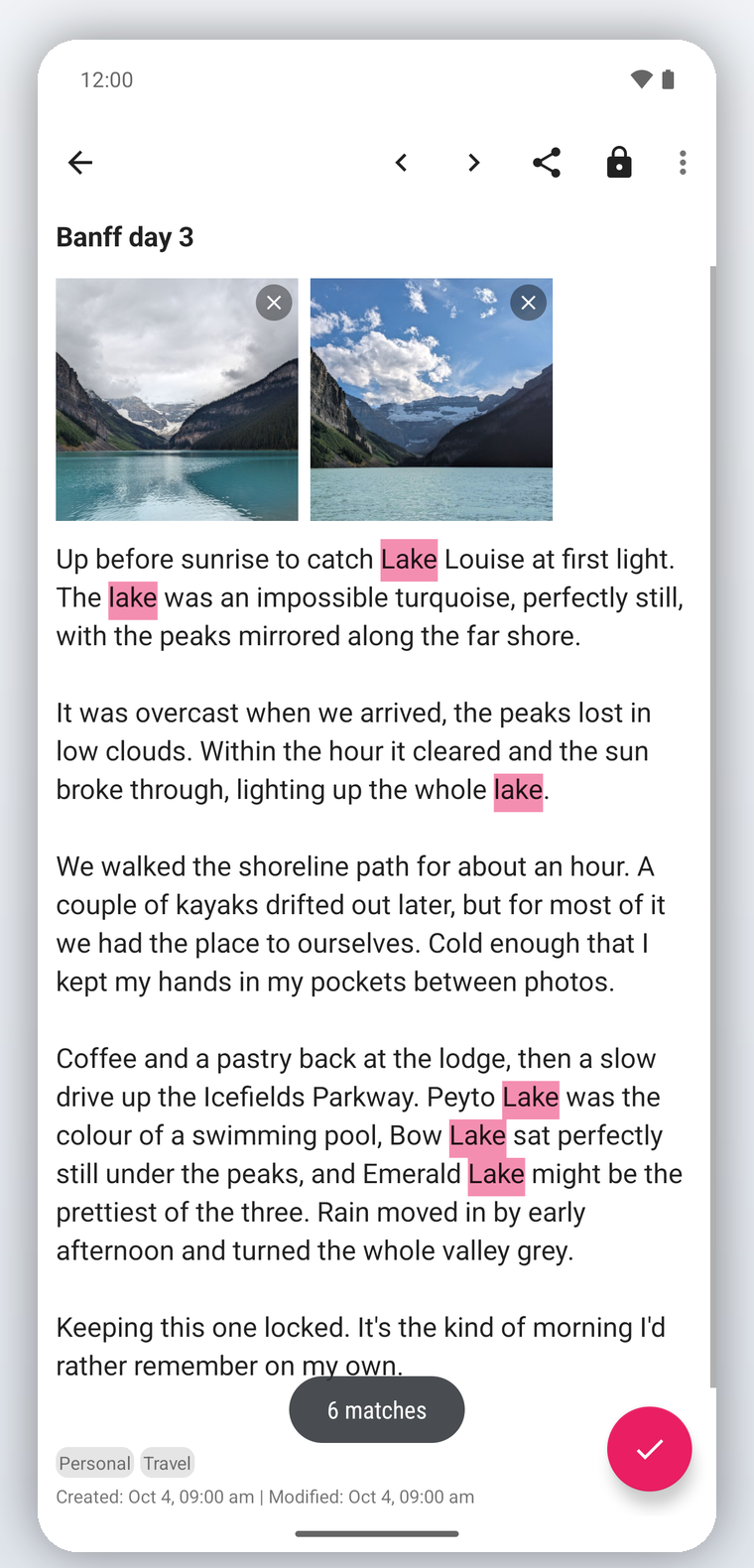
Find anything across your notes, then search and replace inside a note with a single tap.
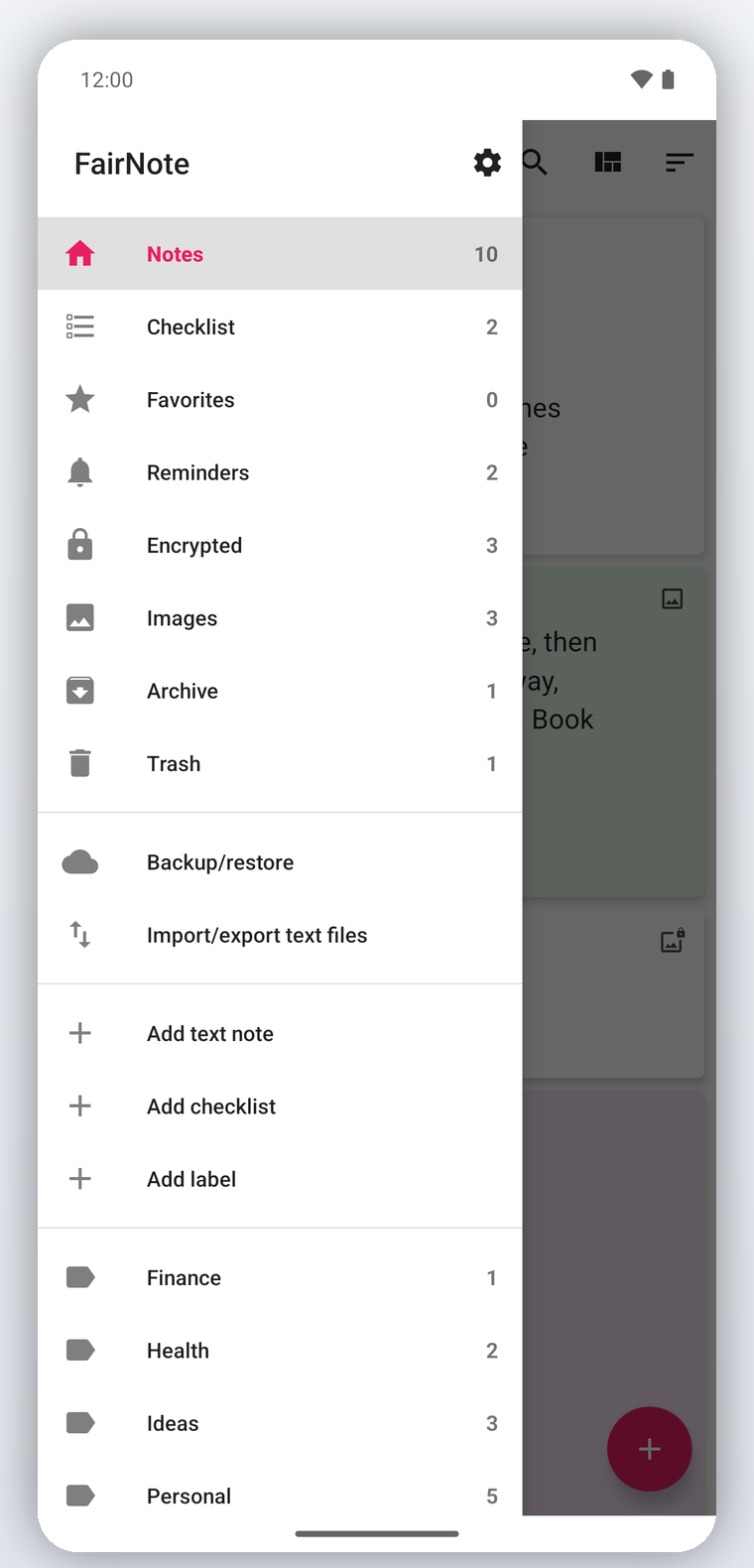
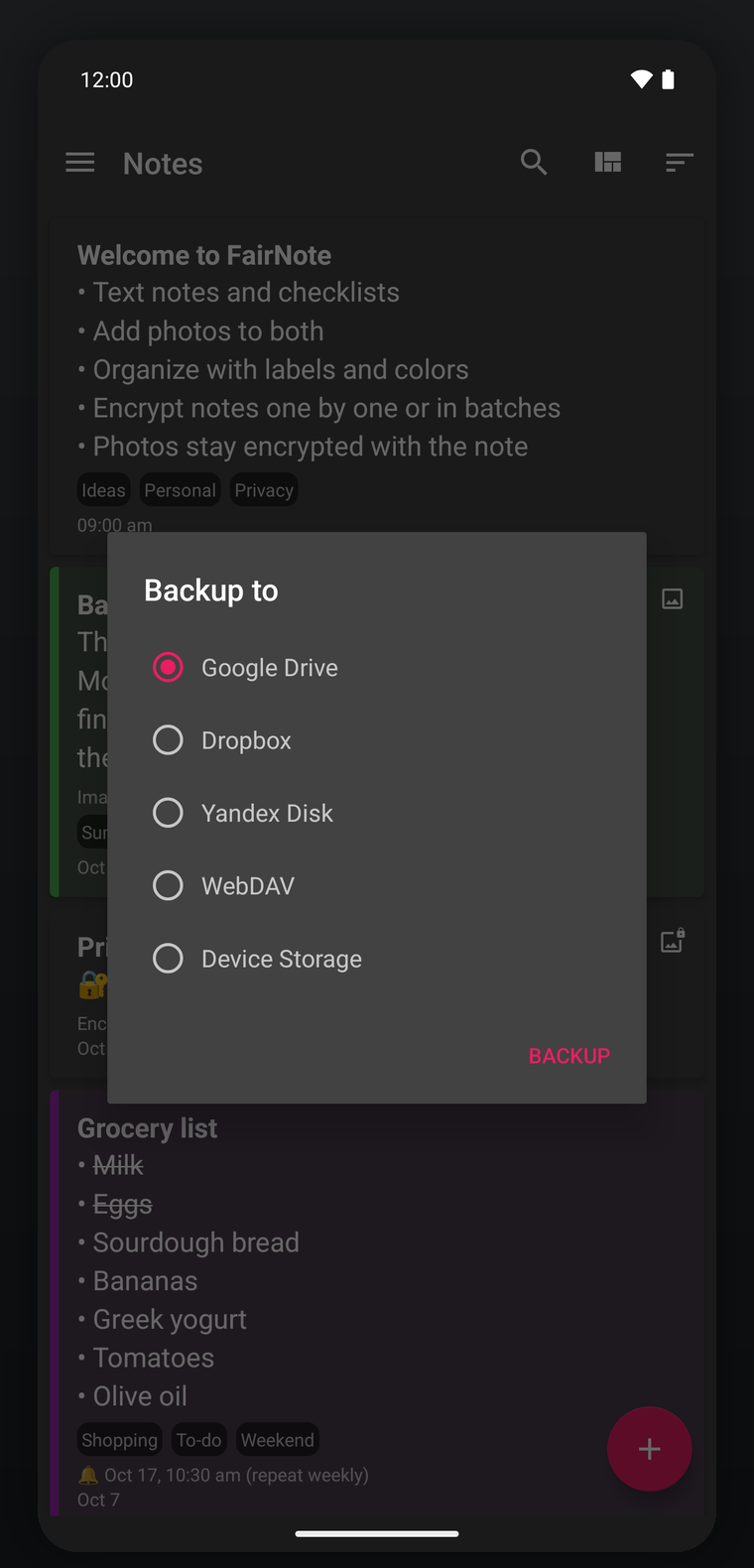
Keep notes safe with Google Drive, Dropbox, WebDAV, Yandex Disk, or local storage.
Switch between list and grid layouts, and sort notes by date, color, or alphabetically.
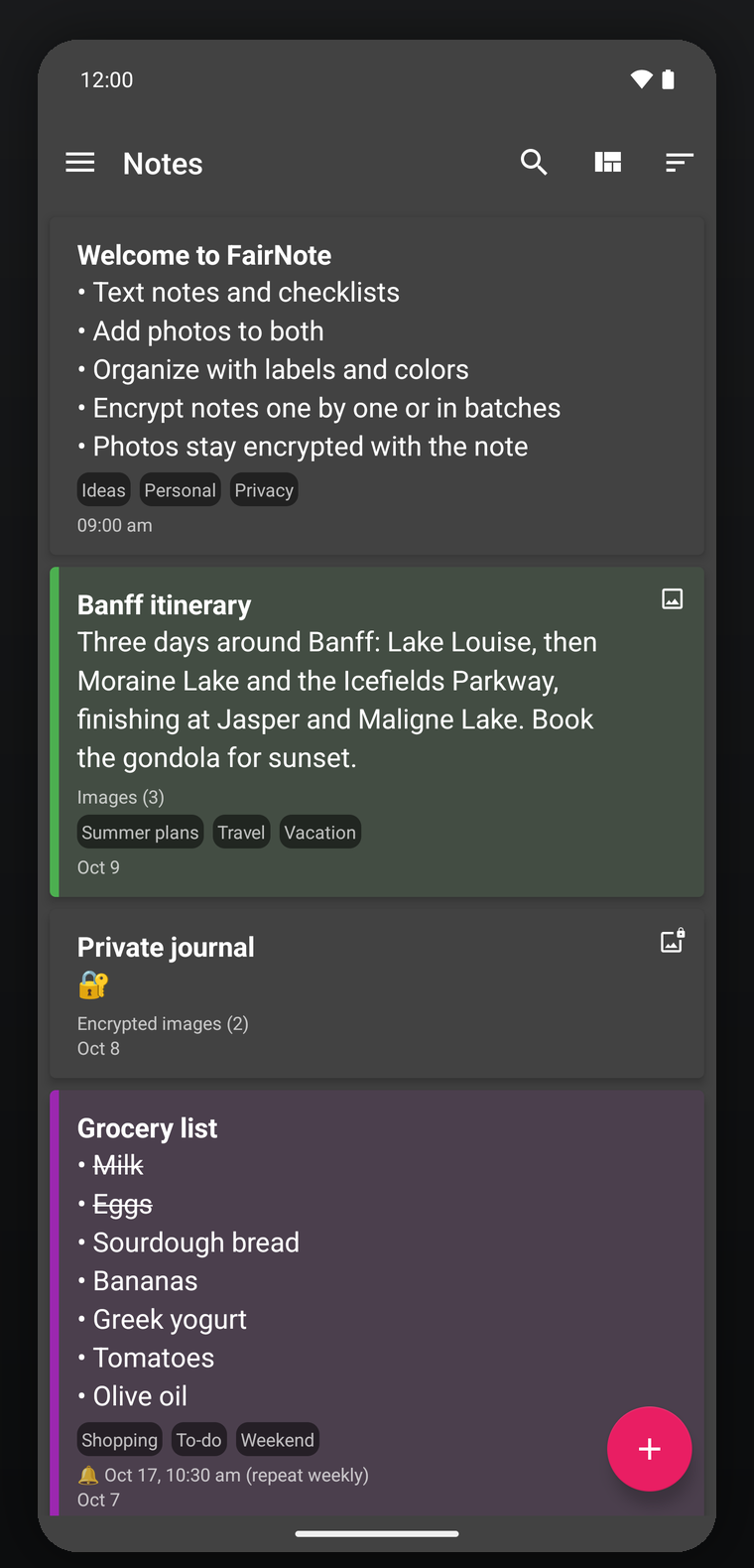
Choose a light, dark, or black (OLED) theme, follow your system theme by default, and pick an accent color.
Adjust fonts and text size, line spacing, list style (card, compact, or single line), note-color intensity, auto-save, Markdown, and back-button behavior.
Bulk-import your text (.txt) or Markdown (.md) files to move right in, and export notes to plain-text files individually or in batches.
Select multiple notes to color, add labels, encrypt, archive, export, or delete them in one go.
Security
Protect sensitive notes with industry-standard AES-256 encryption. Content stays encrypted while titles remain readable, so you can still scan your list at a glance.
Always remember your encryption password. Even with biometrics, forgetting it may mean losing access to your encrypted notes, so keep a safe backup.
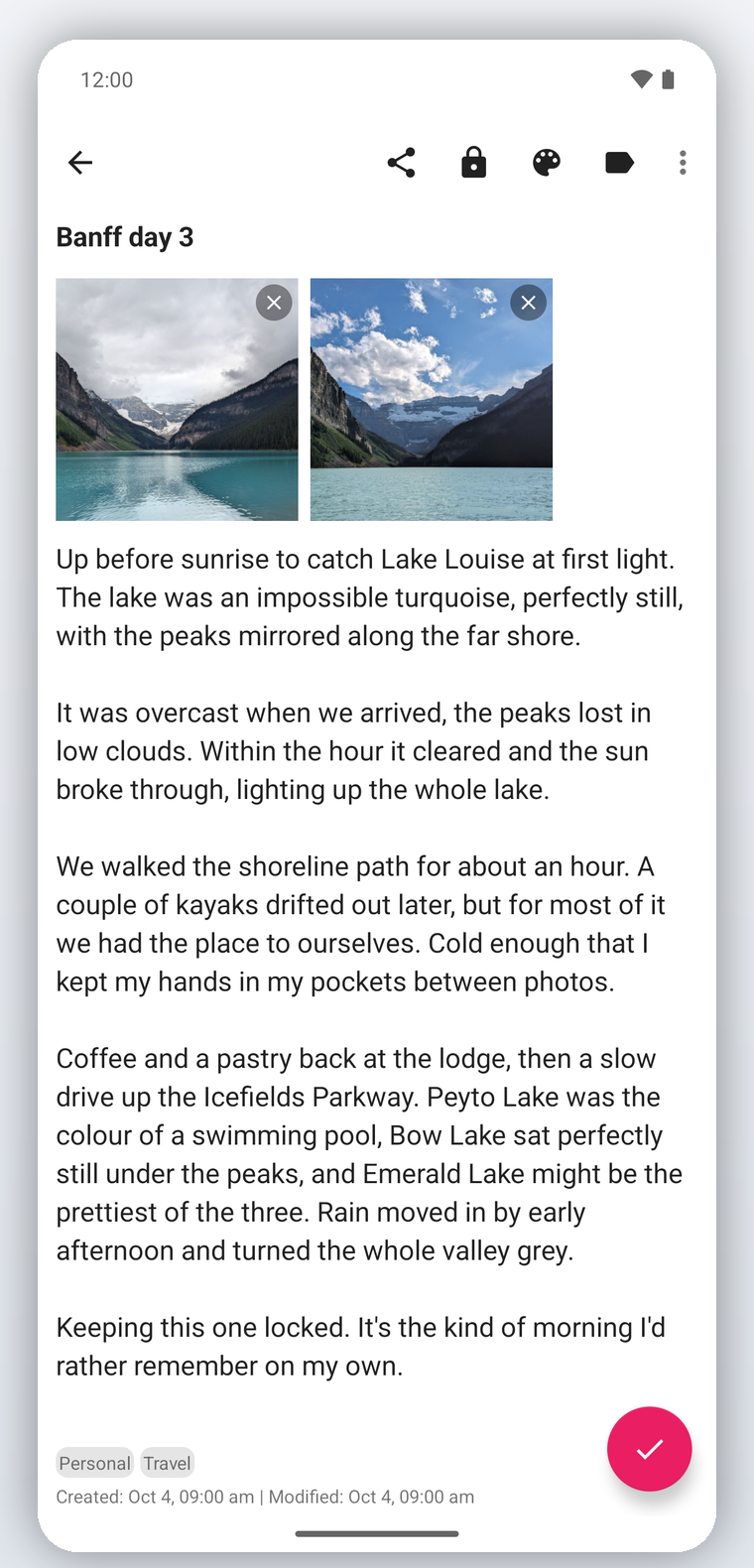
A quick look at capturing, organizing, searching, and backing up your notes.
Pro
Upgrade once and unlock the advanced security and convenience features.
Encrypt or decrypt your entire note collection with a single tap.
Encrypt and decrypt notes with your fingerprint or other biometrics, no password typing.
Protect the whole app with your device PIN, pattern, or biometrics.
Add images to your notes. They are stored at a smaller size and stay encrypted in encrypted notes.
Stay on track with automatic daily or weekly alerts.
FairNote is available in 17 languages.
Yes. FairNote is free to download and use. An optional Pro upgrade unlocks advanced features such as one-tap encryption of your whole collection, biometric encrypt and decrypt, app lock, and image attachments.
Yes. Every note can be protected with AES-256 encryption, individually or in bulk. Images added to encrypted notes stay encrypted too. FairNote needs no account, and your notes never leave your device.
Yes. FairNote is fully offline-first and works without an internet connection. Backup to the cloud is optional.
Always remember your encryption password. If it is lost, encrypted notes cannot be recovered, even with biometrics. Keeping a safe backup is strongly recommended.
FairNote supports Android 6.0 (Marshmallow) and newer.
Yes. Back up and restore your notes to Google Drive, Dropbox, WebDAV, Yandex Disk, or local storage, and import or export notes individually or in batches.
Install FairNote on your new device. If you backed up to Google Drive, sign in to the same Google Drive account, open FairNote's navigation drawer, choose Backup/restore, then Restore, and select your Google Drive backup. Encrypted notes are restored encrypted, so you'll need your encryption password to open them.
No. You can export your notes to plain-text (.txt) files individually or in batches at any time, and back up to or restore from a file you own on local storage, Google Drive, Dropbox, WebDAV, or Yandex Disk. Your notes are yours to take with you.
Yes. If you have text (.txt) or Markdown (.md) files, point FairNote at the folder and it imports them in bulk, one file per note. You can also import a single file, and export your notes to plain-text files at any time.
Free on Android. No sign-up, no ads, and your notes stay yours.